Add Flair to Your Captions: Using Fancy Text for Viral Posts
Let’s face it social media is noisy. If you want your posts to stand out, you need more than just a good photo or video. You need captions that pop.…
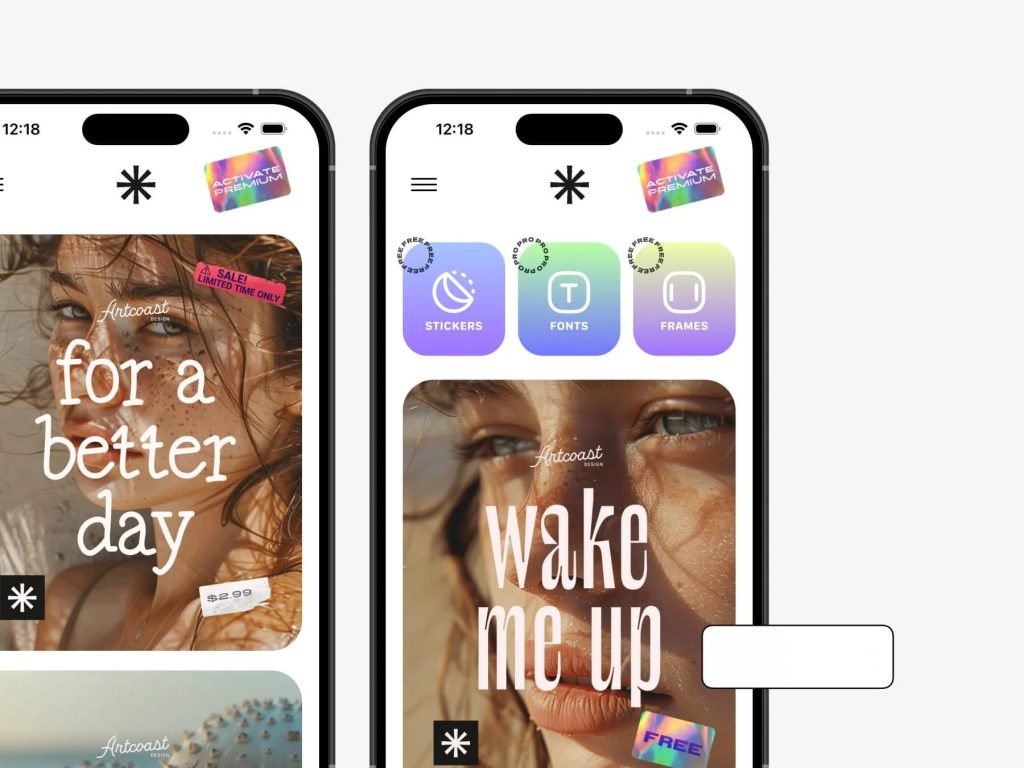
Let’s face it social media is noisy. If you want your posts to stand out, you need more than just a good photo or video. You need captions that pop. That’s where fancy text comes in. These creative styles can instantly give your content a unique edge and stop your followers mid-scroll.
Fancy text isn’t just about aesthetics; it’s about making a statement. Whether you’re a brand, influencer, or casual poster, this little trick can go a long way in boosting engagement and visibility.
What Is Fancy Text—and Why It Works
Fancy text uses special Unicode characters to mimic different font styles like bold, italic, cursive, or even bubble letters. It’s not a typical font, but rather a visual transformation of your words using characters that display in a stylish way across most devices and platforms.
When someone scrolls through Instagram and sees a caption like 𝓛𝓸𝓸𝓴 𝔀𝓱𝓸’𝓼 𝓫𝓪𝓬𝓴!, it catches their eye. It creates visual interest and makes the post feel more expressive. People are naturally drawn to things that look different, and fancy text provides just that subtle, eye-catching twist.
When and How to Use Fancy Text
There are several smart ways to integrate fancy text into your posts without overdoing it.
Use it as a headline or hook.
Start your caption with a bold word or phrase. Think of it like the title of a blog post or article—it sets the tone and invites people to keep reading.
Break up long captions.
If your captions are more like mini blogs, fancy text can be used to create section headers or visual breaks. It helps guide the reader’s eye and keeps things easy to skim.
Highlight keywords.
Whether it’s a product name, a sale, or a campaign hashtag, using fancy text to spotlight those elements makes them stand out.
Spruce up your bio.
Your Instagram bio is prime real estate. Adding a bit of styled text like your brand name in cursive or a bold call to action can make it more appealing and on-brand.
Tools to Generate Fancy Text
Thankfully, you don’t have to create this stuff manually. There are handy tools that help you turn plain text into stylized captions in seconds. One such tool offers a quick and easy way to explore different styles and experiment with formatting that matches your vibe.
If you’re looking to play around with fonts and give your posts some extra flair, a free tool by Grum that lets you generate stylish fonts can be super helpful. You can paste your caption, preview dozens of options, and pick the one that fits your message best. It’s fast, fun, and gives your content a polished, creative touch. More similar and free tools can be found on freetools.org.
Tips for Using Fancy Text Effectively
Fancy text is fun, but less is often more. Here are some things to keep in mind:
Be selective. Not every word needs to be styled. Choose one or two key phrases to emphasize, and let the rest of the text breathe.
Check legibility. Some styles look cool but are hard to read, especially on smaller screens. Always preview your captions before posting.
Match the tone. If you’re posting something inspiring, cursive might work well. For bold announcements or edgy content, glitch or bold styles might fit better.
Keep it clean. Emojis and symbols are great too, but don’t go overboard. When too many visual elements compete for attention, the message can get lost.
Real-World Examples
Let’s say you’re a fitness coach posting progress updates. A caption like 𝗗𝗮𝘆 𝟭𝟬𝗞 𝗔𝗰𝗵𝗶𝗲𝘃𝗲𝗱 🏃♂️ adds drama and excitement.
If you’re a beauty influencer sharing a product launch, you might use something like 𝑺𝒂𝒍𝒆 𝑺𝒑𝒓𝒂𝒚 • 𝓛𝓸𝓻𝓮𝓶 💄 to create that luxe, feminine feel.
Even something as simple as ✨𝓜𝓲𝓼𝓼𝓲𝓸𝓷 𝓼𝓽𝓪𝓻𝓽𝓼 𝓷𝓸𝔀✨ can make a post feel more dynamic and shareable.
Pitfalls to Avoid
Accessibility is a big one. Some screen readers struggle with fancy text. If your message is important, consider repeating it in plain text too.
Also, be aware that not all styles display the same way across devices. What looks great on iPhone might glitch on Android. Test your captions before publishing.
Lastly, too many wild fonts or symbols can look spammy. Fancy text should add flair, not confusion.
How to Create Your Own Fancy Text Styles
It’s easy to get started. First, write out your caption. Then, use a fancy text generator to explore different styles. Choose one that fits the tone of your message, copy it, and paste it right into your Instagram caption or bio.
Some tools even let you preview how it will appear in a live post. A great way to explore your options is through a fancy caption styling feature that lets you customize your words with just a few clicks.
Boosting Shareability and Virality
People love to share content that feels different, polished, or expressive. When someone sees a caption that stands out, they’re more likely to remember it and more likely to engage.
Fancy text creates a visual signature. It makes your content more recognizable and helps build brand identity, especially if you use consistent styles that reflect your voice.
If your goal is to get more likes, saves, or shares, even a small visual upgrade like styled text can make a real impact.
Conclusion
Fancy text is one of those simple, underrated tools that can instantly level up your social media game. When used with purpose and balance, it brings personality, polish, and playfulness to your posts.
Want to try it yourself? Check out a fancy caption styling option to experiment with text styles that can make your words shine. It only takes a minute, but the difference it can make to your content is huge.
So go ahead, add a little flair, have some fun, and let your captions do the talking.